
What CanViewer is
CanViewer is a viewer for CAN databases: the files that describe which messages a CAN bus carries, which signals each message packs into its bytes, and how to turn raw bits into physical values. It runs in your browser, or as a desktop app, and reads the file on your own machine. Beyond viewing, it decodes and encodes frames, replays logs, compares two versions, exports lists and code, and edits and saves DBC files.
Try it
- Open the app: CanViewer on GitHub Pages, or the Open the app button at the top of this site.
- Download the example database,
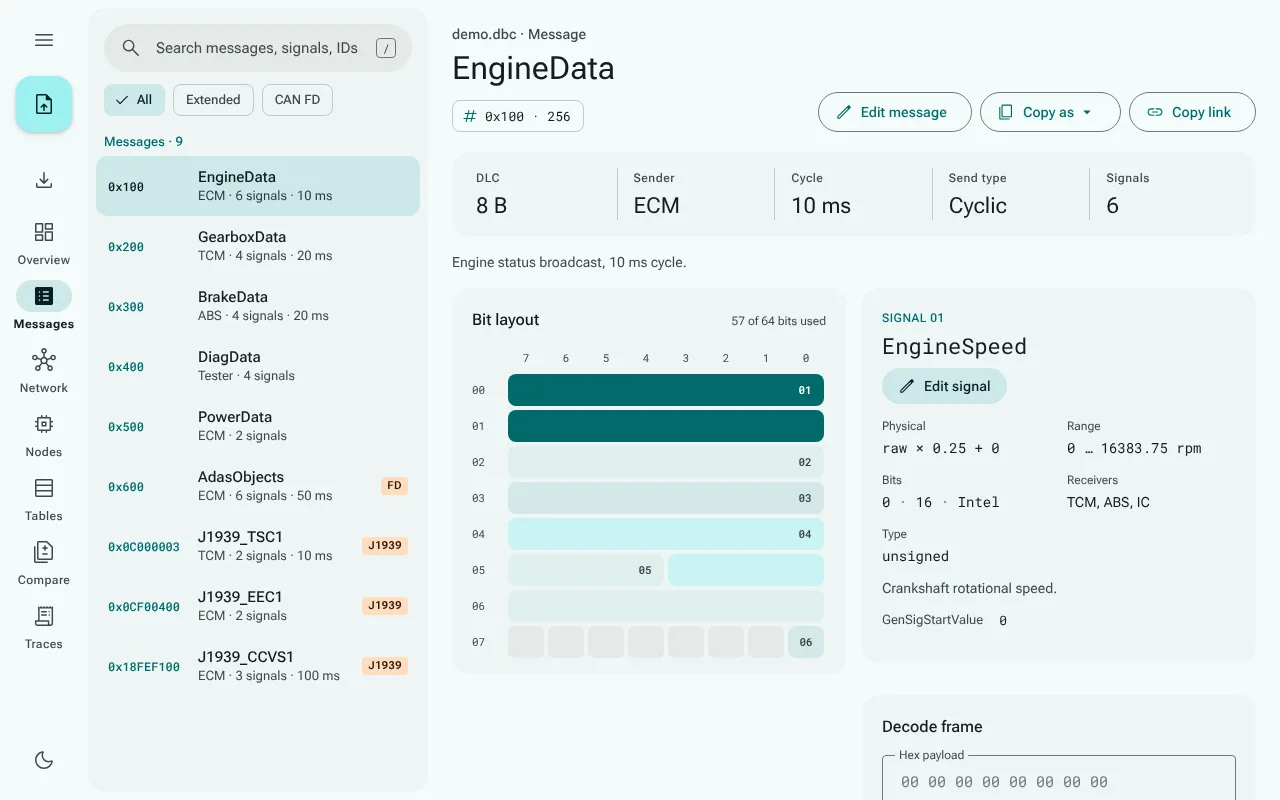
examples/demo.dbc, and drop it onto the window, or choose Open file…. - Browse: the Overview sums up the database, Messages lists every message with its signals and bit layout, and Network draws which ECU sends what to whom.
The example is small on purpose and exercises most features: CAN FD, J1939, extended multiplexing, value tables and attributes.
What it reads
- DBC (Vector's CAN database format), with CanViewer's own parser. It opens instantly and reports every line it cannot read.
- ARXML, KCD, SYM, DBF, Excel (
.xlsx), JSON, YAML, FIBEX and ODX, through canmatrix running in your browser. The first such file downloads about 16 MB of runtime, once.
How faithfully each format comes across is measured, not guessed: see Formats and their limits and the generated fidelity tables.
What it shows
| View | What you see |
|---|---|
| Overview | The database at a glance: counts, CAN FD and J1939 detection, parse problems, every message, attribute definitions |
| Messages and signals | A searchable message list; per message its facts, signal table, bit layout and signal details |
| Decoding frames | Paste a frame's bytes and read every signal's physical value |
| Network graph | Which ECU sends messages to which, as an interactive graph |
| Nodes | Per ECU, the messages it transmits and the signals it receives |
| Value tables | Named value tables and the signals that use the same values |
What it does with a database
| Page | What you do |
|---|---|
| Importing other formats | Read ARXML and the other formats through canmatrix, pick a cluster |
| Exporting | Save the message and signal lists as CSV or JSON, copy a message as a C struct or decode pseudo-code |
| Comparing two databases | See what was added, removed or changed between two versions |
| Replaying traces | Decode every frame of a candump or Vector ASC log |
| Encoding frames | Enter physical values and get a frame's bytes |
| Editing | Change messages and signals, and save the result as DBC |
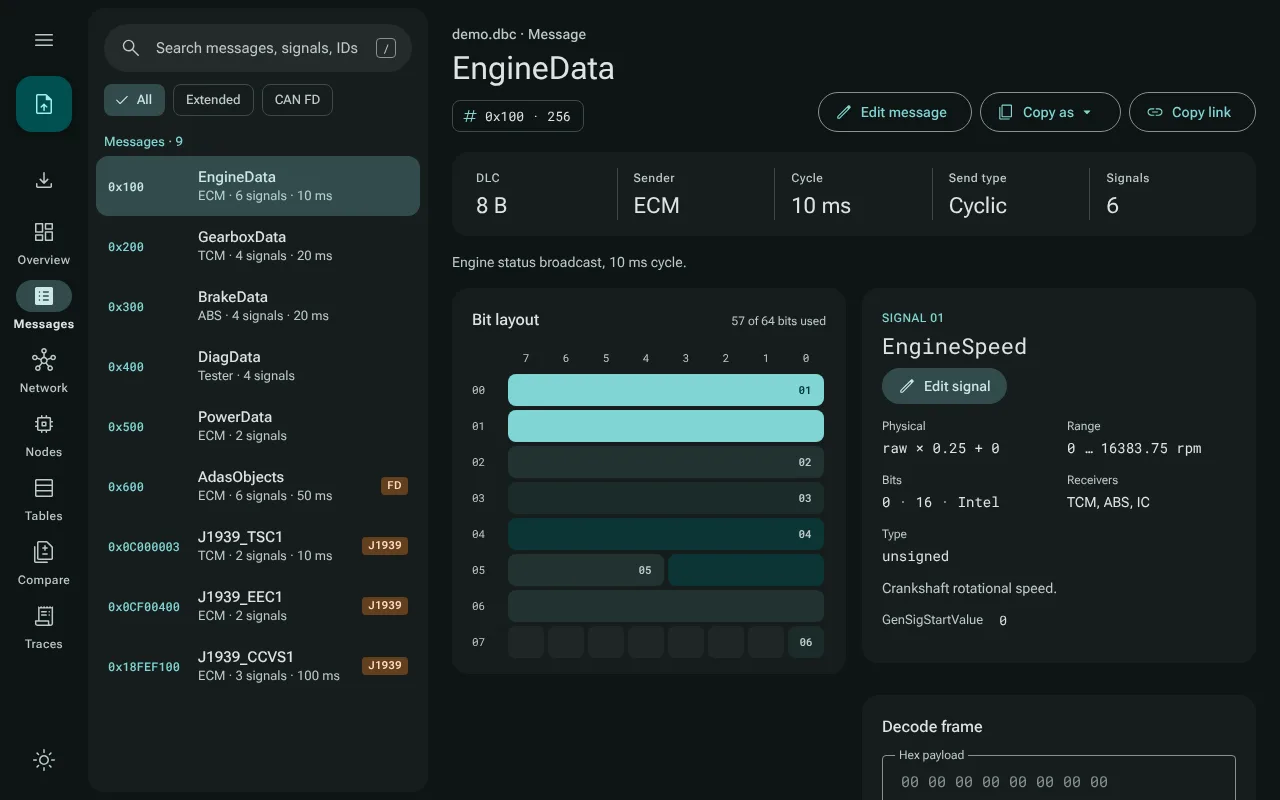
The interface follows Material 3, in English and German, light and dark: see Language and theme.
Your data stays yours
CanViewer never uploads a file. The web app is a set of static files; once it has loaded, everything happens in your browser, and after the first visit it also works offline. Privacy and offline use explains what the host of the app can and cannot see.
Free software
CanViewer is free software under the GNU General Public License, version 2 or later, and comes with no warranty. About CanViewer, in the app's settings menu, says so, with the version, the source link, and the license files and third-party notices, which it opens in the app itself (see Language and theme). The same files come with every copy: next to the web app as COPYRIGHT.txt (the notice, with an additional permission for the Windows build), LICENSE.txt and LICENSE-GPL-3.0.txt (the texts of the GPL versions 2 and 3) and THIRD_PARTY_NOTICES.md, inside every desktop package (where), and with this site, linked at the foot of its home page. The source is on GitHub.
Where to go next
- Opening files: the ways to open a file, encodings, links to a message, and what to do if CanViewer fails.
- Keyboard: the keys for the search, the lists, the tables and the dialogs.
- The desktop app: the same app as a program for Windows, macOS and Linux.
- Developer guide: build and test CanViewer yourself.