
Comparing two databases
Compare in the navigation rail holds the open file against another version of it, and lists what was added, removed or changed: messages, signals, nodes, value tables, attribute definitions and the database's own properties.
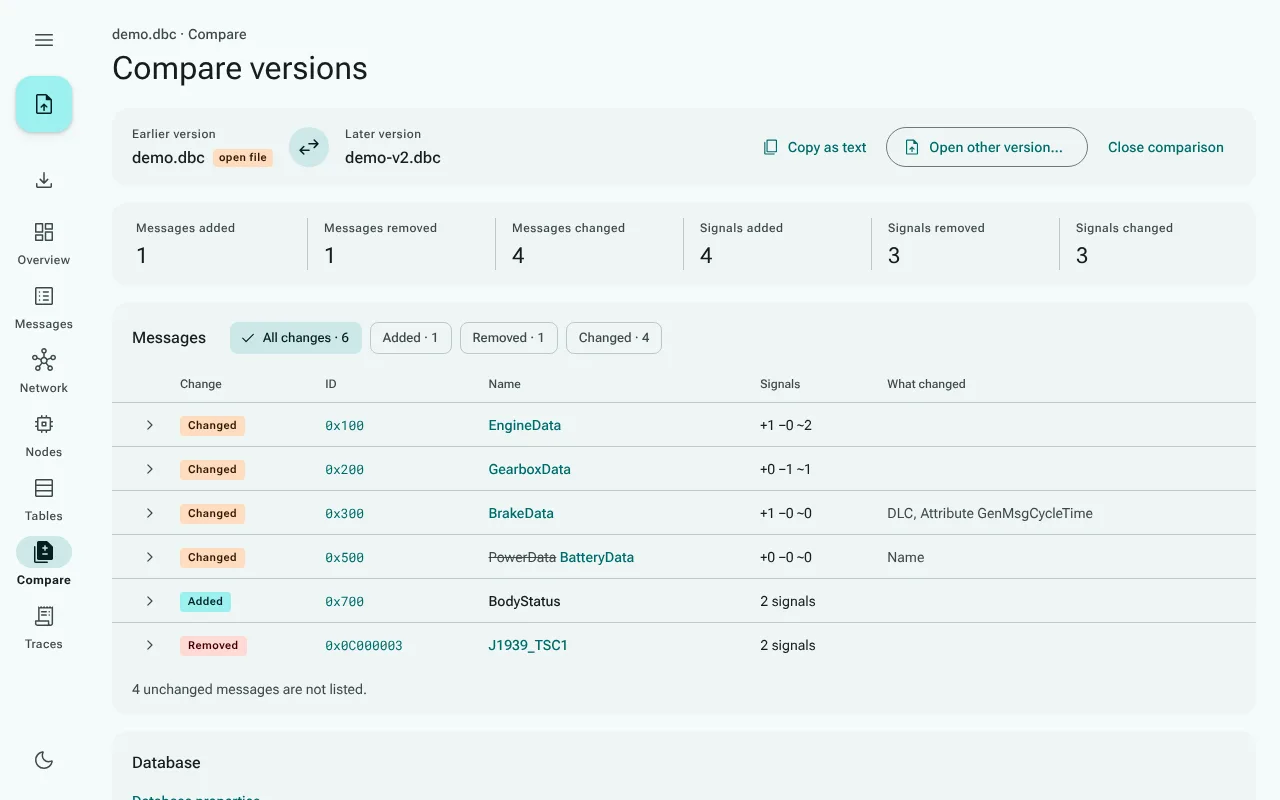
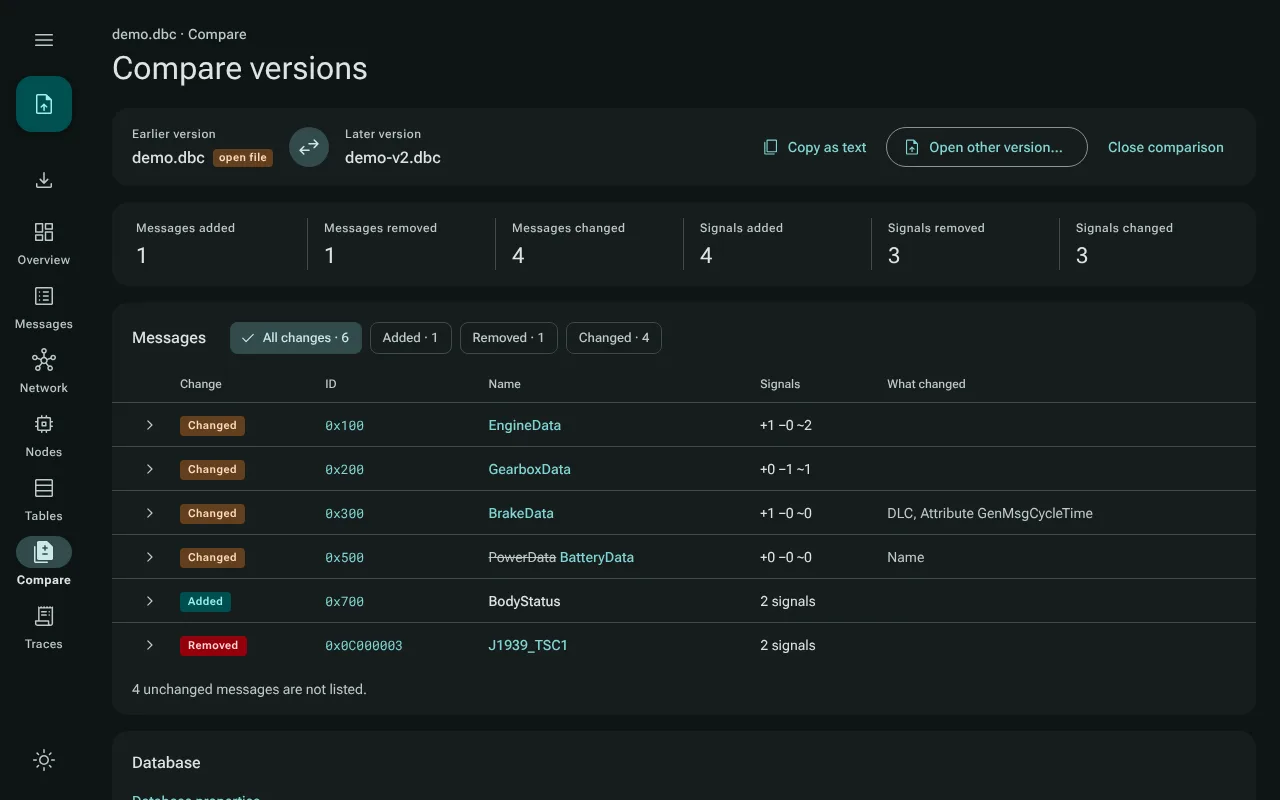
Starting a comparison
- Open the first version as usual.
- Go to Compare, then choose Open other version…, or drop the other file onto the Compare page. While you drag, the overlay says Drop the file to compare … with it. Dropping a file on any other page still opens it as the open file.
The open file counts as the earlier version and the other file as the later version; Swap versions turns them round. Either side can be any format CanViewer opens, so an ARXML file can be compared with a DBC file. For a file with several clusters, the other version's cluster of the same name is compared, or else its first cluster with messages.
The repository has two versions of its example to try this with: examples/demo.dbc and examples/demo-v2.dbc.
Reading the result
- The counts at the top: messages added, removed and changed, and signals added, removed and changed.
- The messages table lists every message that differs, with what changed. The chips above it narrow it to added, removed or changed messages. Show the changes of … opens a message's field-by-field list (field, before, after), with its signals; Open … in the viewer shows the message itself. Unchanged messages are not listed; a line below the table counts them.
- Database: changes to the database's properties (its version, whether it is a J1939 database), its nodes, value tables and attribute definitions.
- When the two versions agree in everything CanViewer compares, a banner says No differences.
- When either file has parse problems, a note says so: a line that could not be read is not part of the comparison.
Copying the changes
Copy as text puts the whole list of changes on the clipboard, as plain text to paste into a review or a changelog. Texts are in double quotes; a value only one version has reads (none) on the other side, for example values[7] (none) -> "Gear 7". The button is there whenever the versions differ.
Ending a comparison
Close comparison returns to the empty Compare page. Opening another file as the open file, from the rail or by dropping it on any other page, also ends the comparison; the new file then counts as the earlier version of the next one. The other version is never stored: after a reload, open it again.