
Network graph
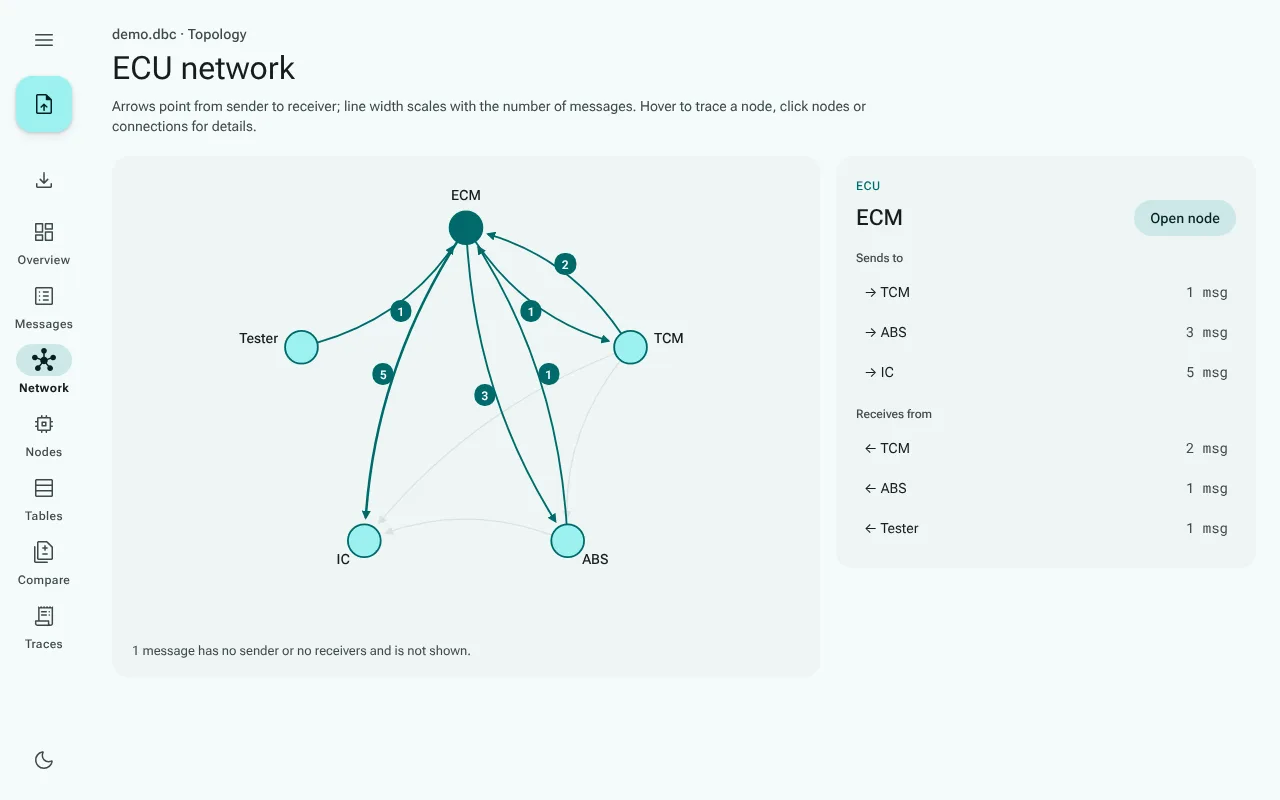
Network in the navigation rail draws the database as a network of ECUs: every node that sends or receives a message is a circle, and every sender-to-receiver relation is an arrow.
The graph fits the window: it is as large as the space beside the details allows, in width and in height, and the details scroll on their own when they are longer. On a phone the graph keeps a readable size instead, and you swipe it sideways.
Reading the graph
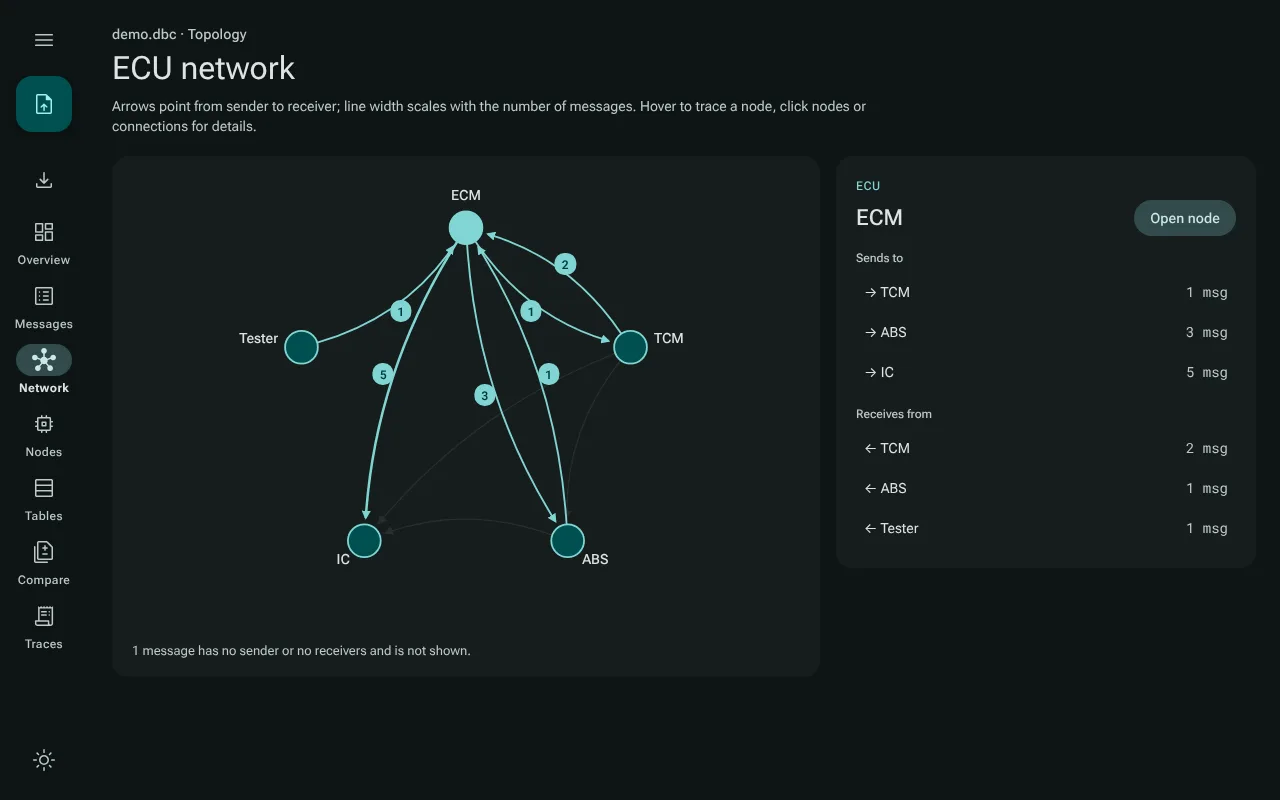
- An arrow points from the sender of a message to a node that receives at least one of its signals. The number on the arrow is how many messages make up the connection, and the line gets wider with it. Two nodes that send to each other get one arrow each way.
- Hover over a node to trace it: its connections stay, the rest fades.
- Click a node to list where it sends to and what it receives from, with the number of messages for each. Open node goes to its node page.
- Click an arrow to list the messages behind that connection; click one to open it.
- Nodes that neither send nor receive are listed under Not connected.
When there is nothing to draw
The graph needs senders and receivers. A message without a sender, or whose signals have no receivers, has no arrow; a note under the graph counts them. Many reverse-engineered DBC files assign every message to one placeholder node and leave the receivers empty. For such a file the graph explains that there is nothing to draw.