
Overview
The overview is the first page after a file opens. It sums up the database and lists everything that applies to it as a whole.
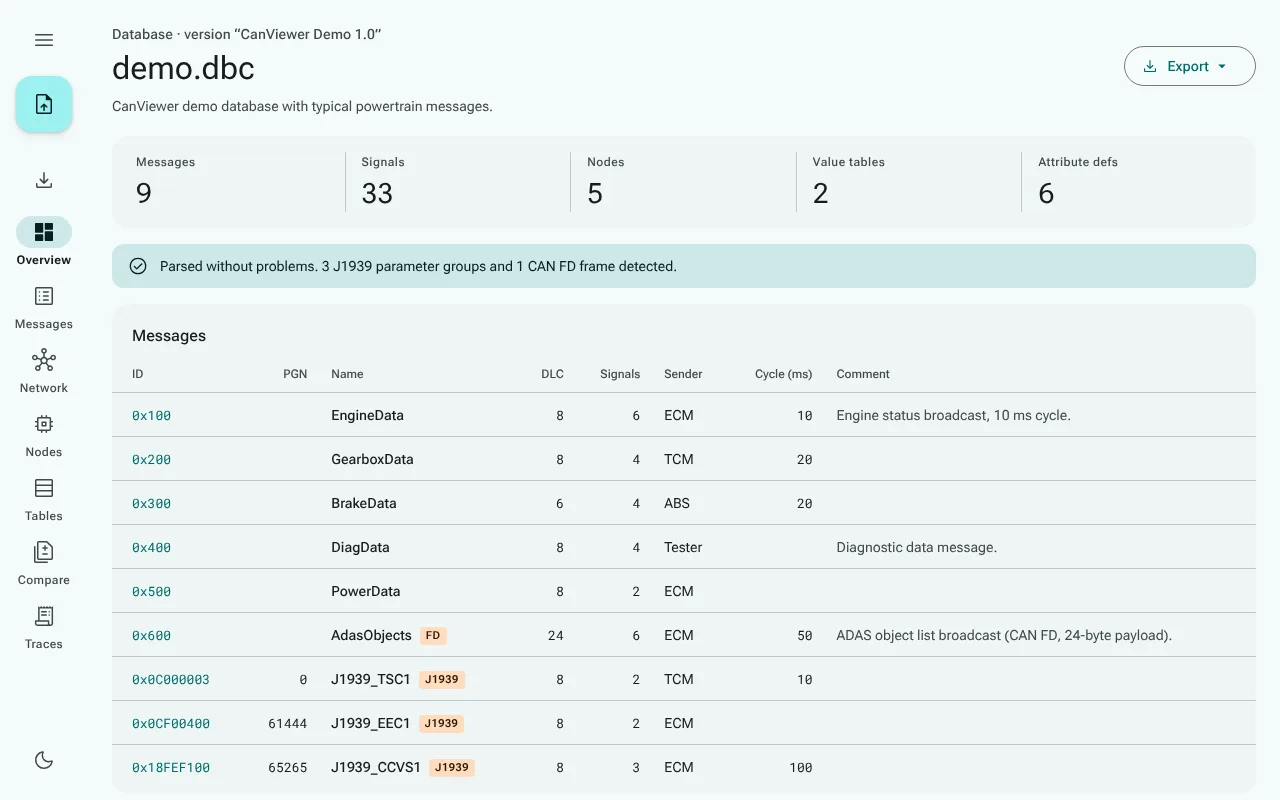
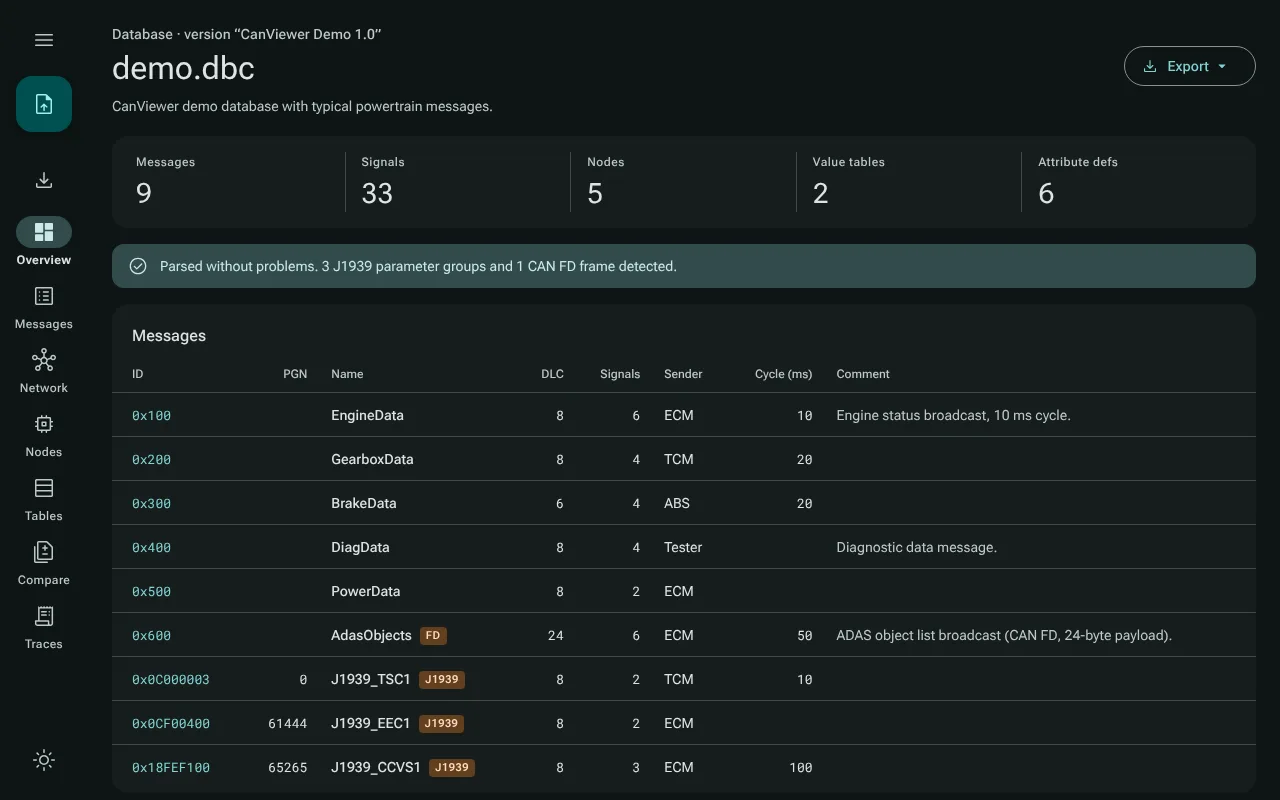
At the top
- The file name, the database's
VERSIONstring and its network comment, if it has them. - Five counts: messages, signals, nodes, value tables and attribute definitions.
- For a file imported from another format, a card that names the format, says that the conversion may be lossy, and links to the problems canmatrix reported (Importing other formats); for a file with several clusters, the choice of cluster.
- Export, a menu that saves the message and signal lists as CSV or JSON (Exporting).
- A status line. Either the file parsed without problems, with what was detected, such as 3 J1939 parameter groups and 1 CAN FD frame detected, or a red banner with the number of parse problems, followed by the table of problems (line, reason, content). The table shows the first 200; a note gives the count of the rest.
Messages
Every message, sorted by ID, with its ID in hex, name, DLC, number of signals, sender, cycle time (from the GenMsgCycleTime attribute) and the first line of its comment. A tag marks CAN FD frames (FD), J1939 parameter groups (J1939) and other extended frames (EXT). In a J1939 database a PGN column is added. Click a row to open the message.
A database with more than 1000 messages shows them 200 to a page, with buttons for the first, previous, next and last page and the range on screen, such as 1–200 of 5000. The page stays while you look at a message you opened from it.
How CanViewer decides what is CAN FD or J1939:
- CAN FD: Vector's
VFrameFormatattribute decides when it is set, on the message or as the attribute's default (StandardCAN_FD,ExtendedCAN_FD). Without it, a payload of more than 8 bytes means CAN FD. - J1939: a message whose
VFrameFormatisJ1939PGis a J1939 parameter group. A database counts as J1939 when itsProtocolTypeattribute says so, or when it has such a parameter group; in a J1939 database every extended frame is shown as J1939.
Below the messages
- Attribute definitions (
BA_DEF_, with their defaults fromBA_DEF_DEF_): name, what they apply to (network, node, message, signal), type, range, default and enum values. - Network attributes: attribute values set on the database itself.
- Not displayed (parsed & skipped): statements CanViewer recognizes but does not model, with how often each occurs, for example
NS_ (1×) · BS_ (1×).