Editing
CanViewer can change the properties of messages and signals, and save the result as a DBC file. Editing works on the database as CanViewer read it, whatever format the file came in.
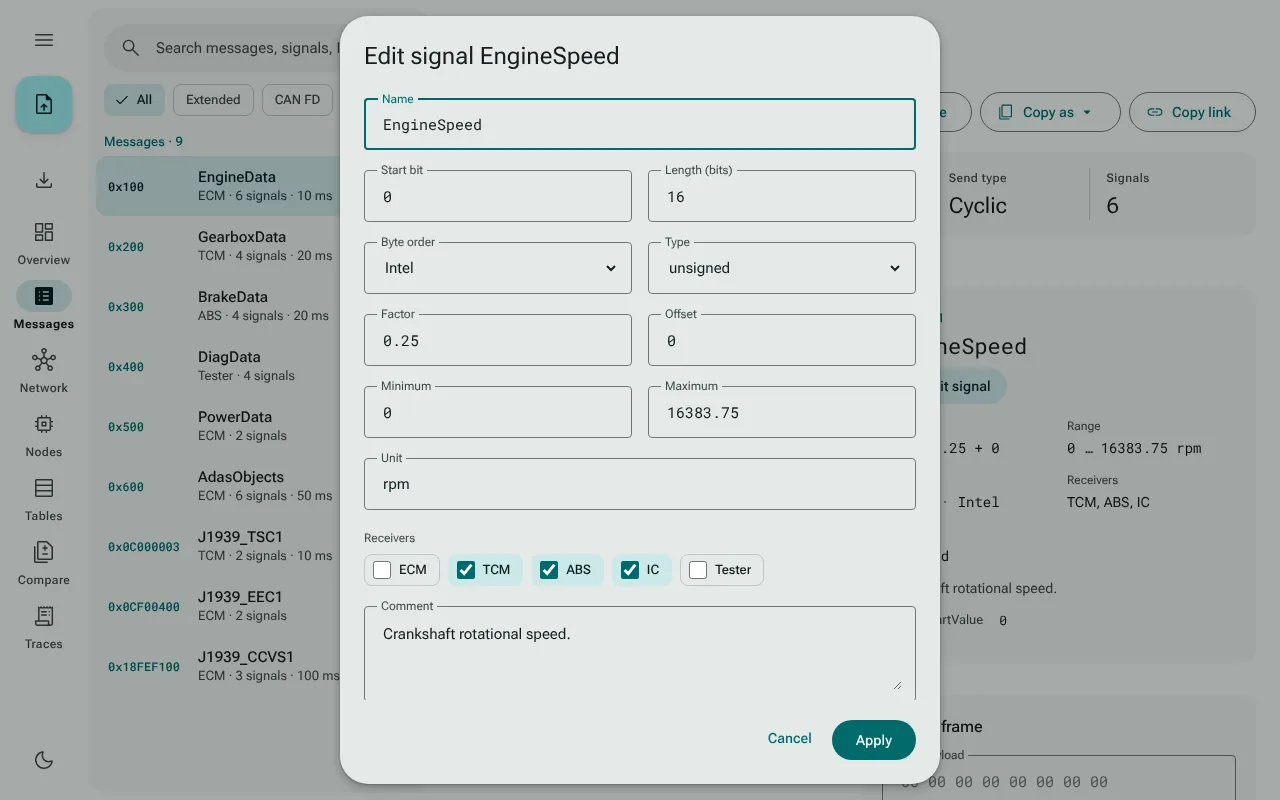
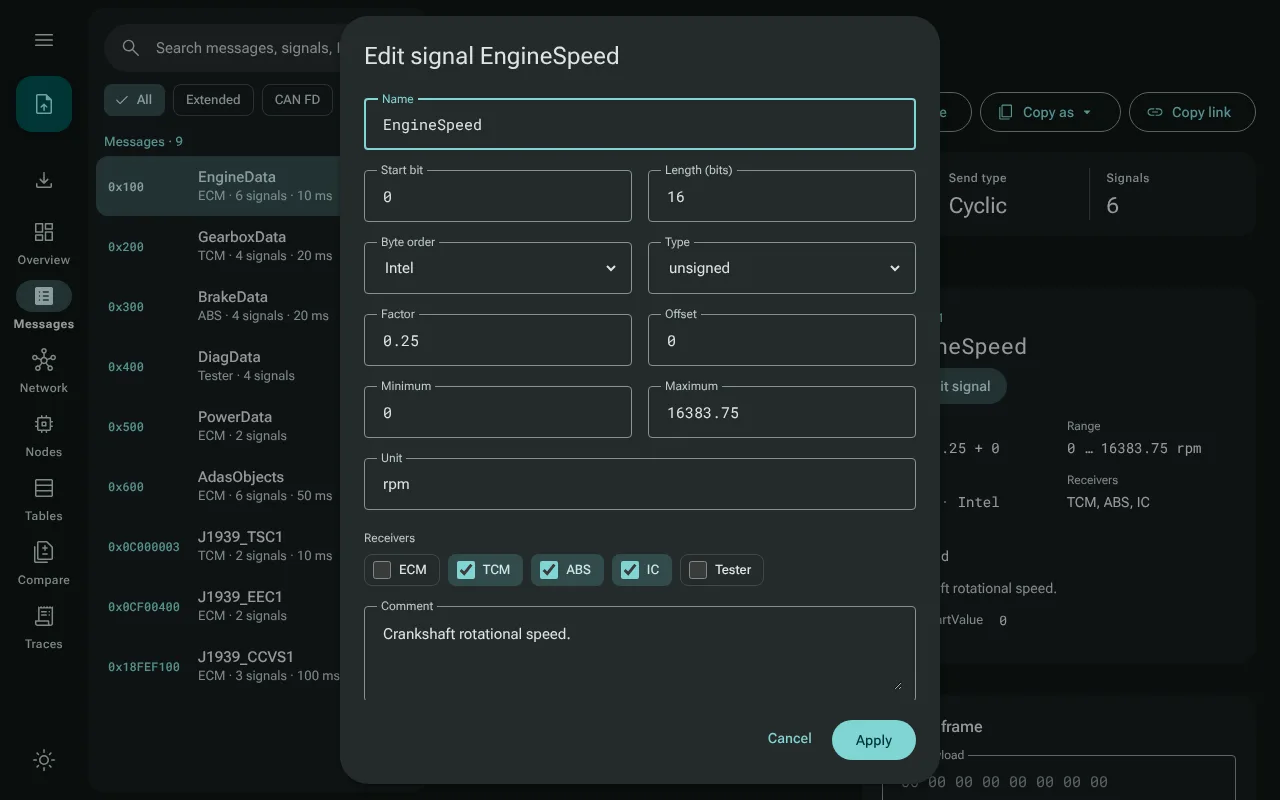
Editing a message or a signal
- Edit message on a message page opens a dialog with the message's name, ID (hex
0x…or decimal, 11-bit or 29-bit), DLC, sender and comment. - Edit signal on the signal card opens one with the signal's name, start bit, length, byte order, type, factor, offset, minimum, maximum, unit, receivers and comment.
Each field is checked against what a DBC file can hold, and a problem shows next to the field: a name that is not a DBC identifier or is taken, an ID out of range or used by another message, a start bit or length DBC cannot hold, a float or double of the wrong length. Apply changes the database on screen; every view shows the change at once.
Some changes cannot be written as DBC: a new comment on a second message with the same ID, or on a second signal with the same name, and a change to float or double there, because DBC statements cannot address those. The editor refuses them and says why.
Saving as DBC
Save as DBC, the download button in the navigation rail (below the open-file button, or beside it in the top bar on a phone), saves the database as a UTF-8 .dbc file named after the open file. A dot on the button marks unsaved edits.
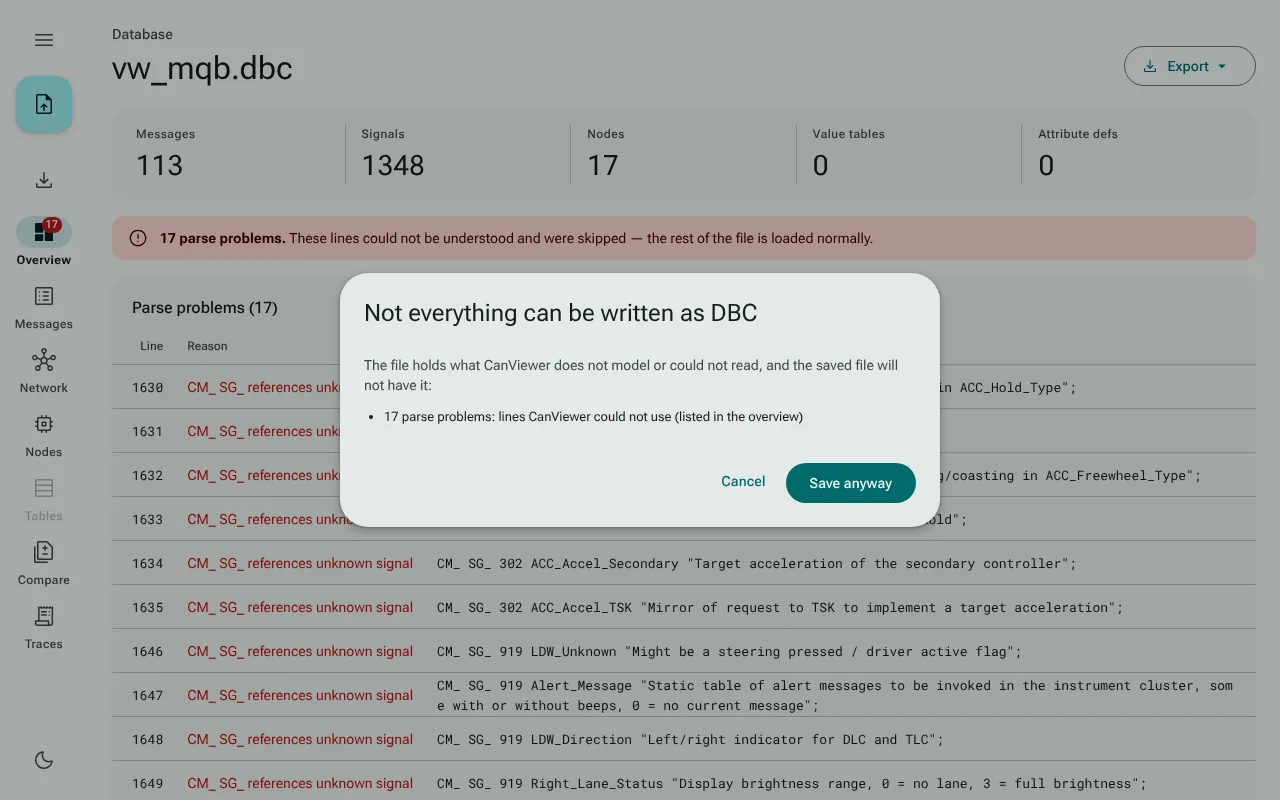
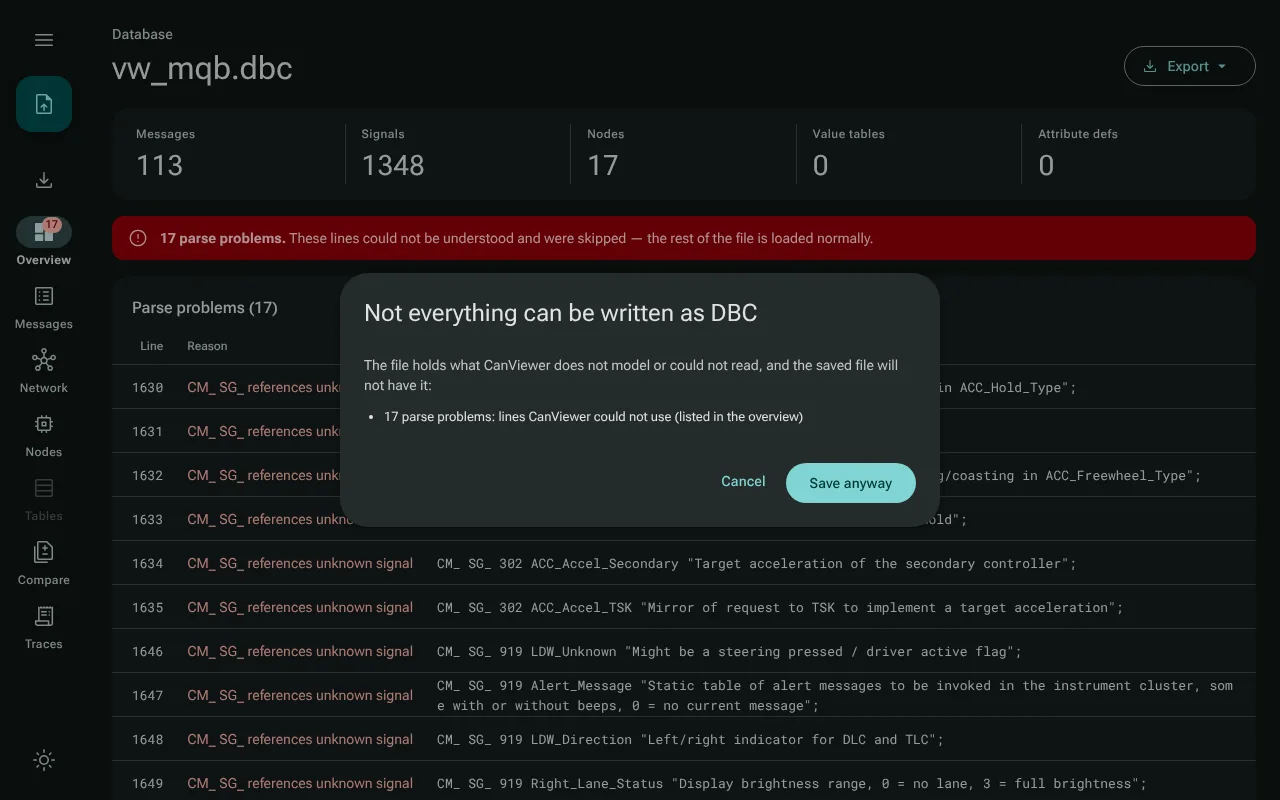
When the saved file would lack something, a dialog lists it first, and the file is saved only on Save anyway:
- statements CanViewer recognizes but does not model (
EV_,SIG_GROUP_,BA_REL_and so on), with how many there are; - the lines CanViewer could not read, the parse problems of the overview;
- anything the DBC format cannot hold as it is, such as a name with characters DBC does not allow in a file imported from another format.
What the writer keeps is the model: a saved file reads back as the same database, which the tests check for every one of 58 real-world DBC files. It does not keep the source's comment layout, whitespace or statement order. Decision record 0008 has the details.
After a save, a reload restores the saved file under its saved name. In the desktop app the file goes to your Downloads folder.
Unsaved edits
Opening another file while there are unsaved edits asks first, in the app's own dialog (Discard unsaved edits?). Closing or reloading the browser tab asks too.