
Exporting
CanViewer saves the open database's message and signal lists as files, and copies a message as code. Everything is generated in your browser, like the rest of CanViewer; nothing is uploaded.
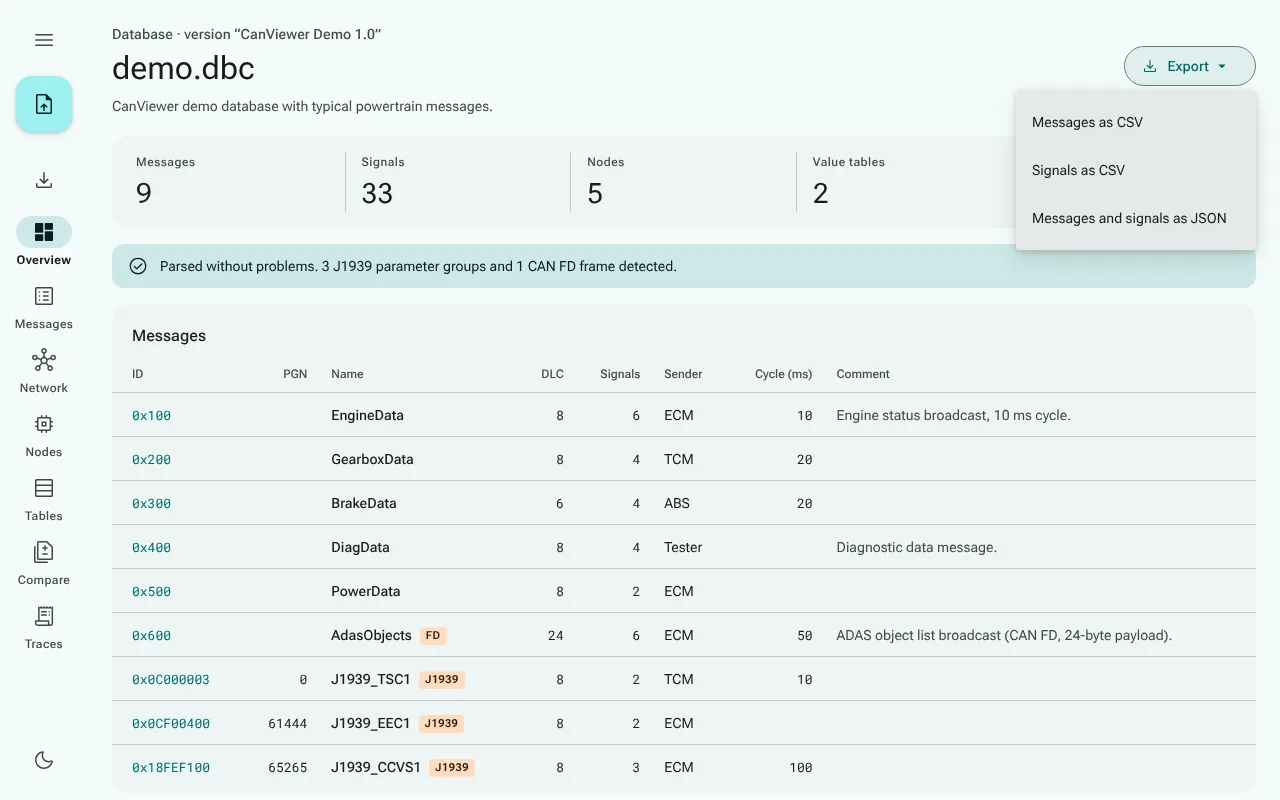
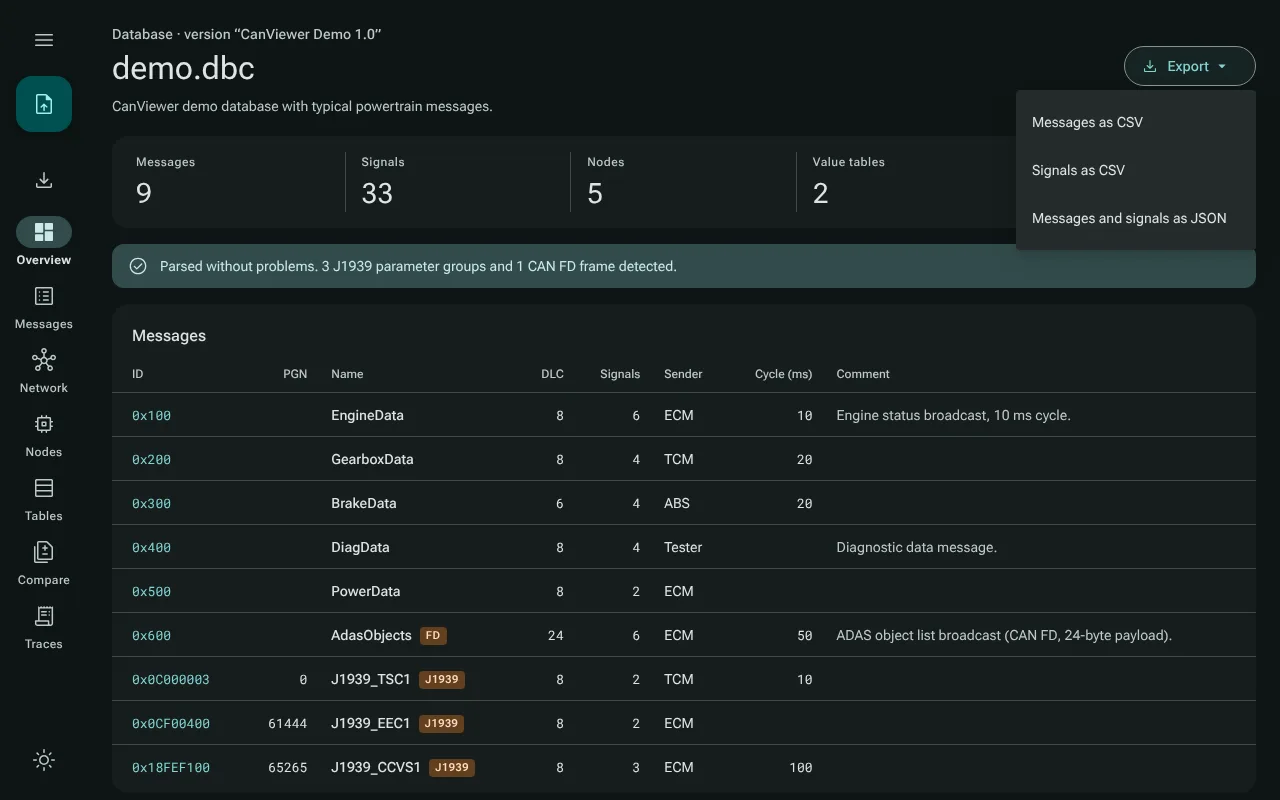
The lists, from the overview
Export at the top of the overview offers three files, named after the open file:
| Menu item | File | What it holds |
|---|---|---|
| Messages as CSV | demo.messages.csv | One row per message: ID in decimal and hex, extended or not, name, DLC, CAN FD, J1939 PGN, sender, further transmitters, number of signals, comment, and one column per message attribute (attr.GenMsgCycleTime and so on) |
| Signals as CSV | demo.signals.csv | One row per signal, with its message's ID and name: start bit, length, byte order, value type, factor, offset, minimum, maximum, unit, receivers, multiplexing, value descriptions, comment, and one column per signal attribute |
| Messages and signals as JSON | demo.messages.json | The messages with their signals, attributes and value descriptions, nested, with every value exactly as CanViewer read it |
The CSV files are UTF-8 with a byte order mark, so that spreadsheets read umlauts correctly, and use commas and double quotes as RFC 4180 describes.
Spreadsheets and formulas. A spreadsheet runs text that starts with =, +, - or @ as a formula. A text cell of two characters or more that starts that way (or with a tab or a carriage return), such as a comment =HYPERLINK(…), is written with a leading apostrophe, which spreadsheets read as "this is text". So a DBC file from an unknown source cannot make your spreadsheet fetch anything. Numbers such as -40, and a lone - as unit, are written as they are. A program that reads the CSV as data sees the apostrophe; the JSON file keeps every value exactly.
In the browser the files go wherever your browser saves downloads. The desktop app saves them in your Downloads folder, and numbers a name that is taken rather than overwrite the file.
A message as code
Copy as on a message page copies the message to the clipboard:
- C struct: a
typedef structwith one member per signal, holding its raw value in the smallest fitting integer type, and#defines for the ID, whether it is extended, and the length. Comments give each signal's bits, byte order, type, factor, offset, range and unit. - Decode pseudo-code: for each signal, the shifts and masks that take its raw value out of the payload bytes, then
raw × factor + offset. It reads like C and ports to any language.
C does not allow every name a DBC file may use. A message whose name starts with an underscore, or with a character C does not allow (such as Ö), gets an x in front of its struct type and macros: _engine becomes x_engine_t and X_ENGINE_ID. The original name stays in the comment.
How it is checked
Every export of examples/demo.dbc and of two other test databases (a CAN FD and a J1939 message) is pinned byte for byte in the repository, and the tests compare against those files. The same tests take every DBC file of the test corpus, the 58 real-world databases and the DBC test files of cantools and canmatrix: they export each as CSV and JSON and read the result back as the same model, decode every signal with the generated pseudo-code and compare it with CanViewer's decoder, and compile every message's C struct with a C compiler.
If an export or a copy fails, the button says so (Export failed, Copy failed), with the reason in its tooltip, for example that the clipboard is not available.