
Messages and signals
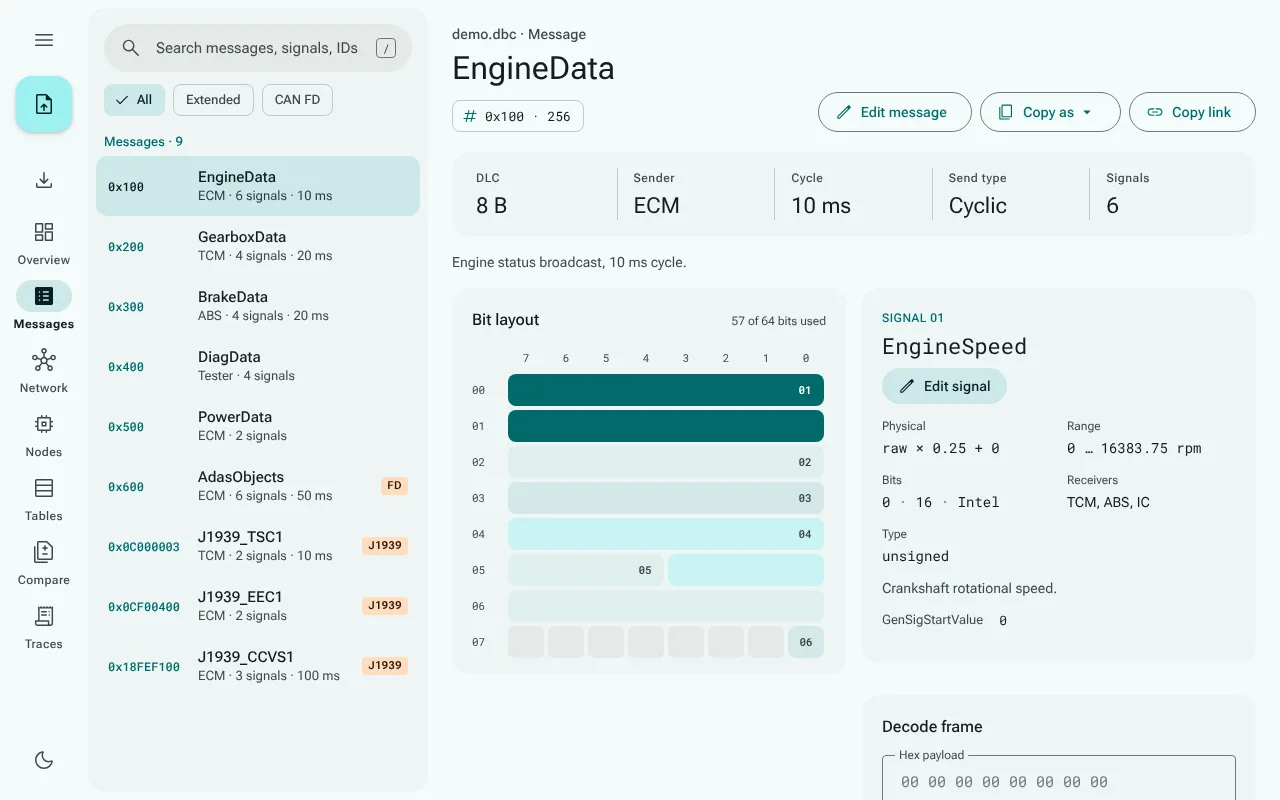
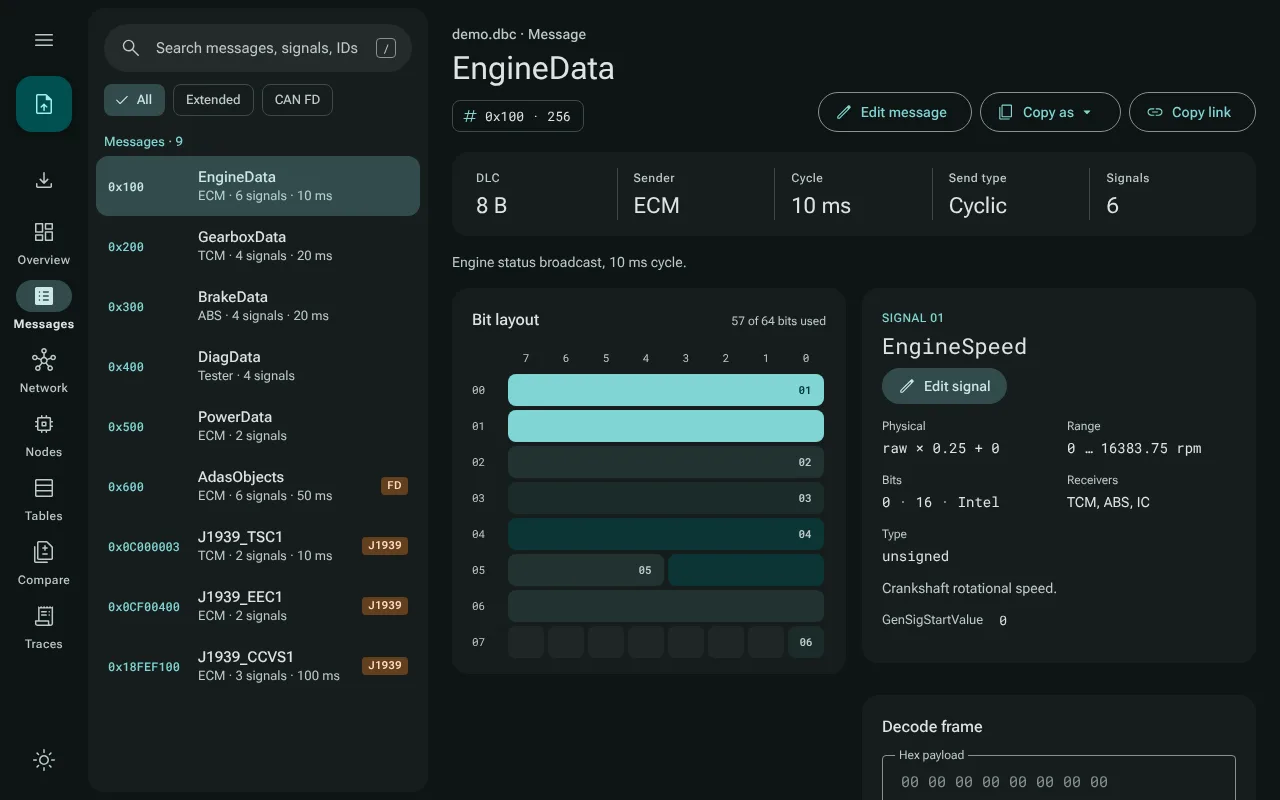
Messages in the navigation rail opens a list of every message next to the page of the selected one.
The message list
Messages are sorted by ID and show the ID in hex, the name, the sender, the number of signals and the cycle time, with the same FD, J1939 and EXT tags as the overview.
Search filters by message name, by signal name, and by ID in hex or decimal:
0x64,64and100all find the message with ID 100 (0x64).Filter chips narrow the list to Extended (29-bit) messages or CAN FD frames.
The keyboard:
/anywhere outside a text field focuses the search, also while the settings menu is open. In the list, ↑ and ↓ move from message to message, and Home and End go to the first and the last. From the search field, ↓ goes to the selected message (or the first match), and Enter opens it. Keyboard lists every key.Large databases: above 1000 messages the list renders only the rows in view, so scrolling, the search and the filter chips stay quick (it is checked with 5000 messages). A row with the keyboard focus keeps it while it scrolls out of view, and a message opened elsewhere, from the overview say, is scrolled into view.
The message page
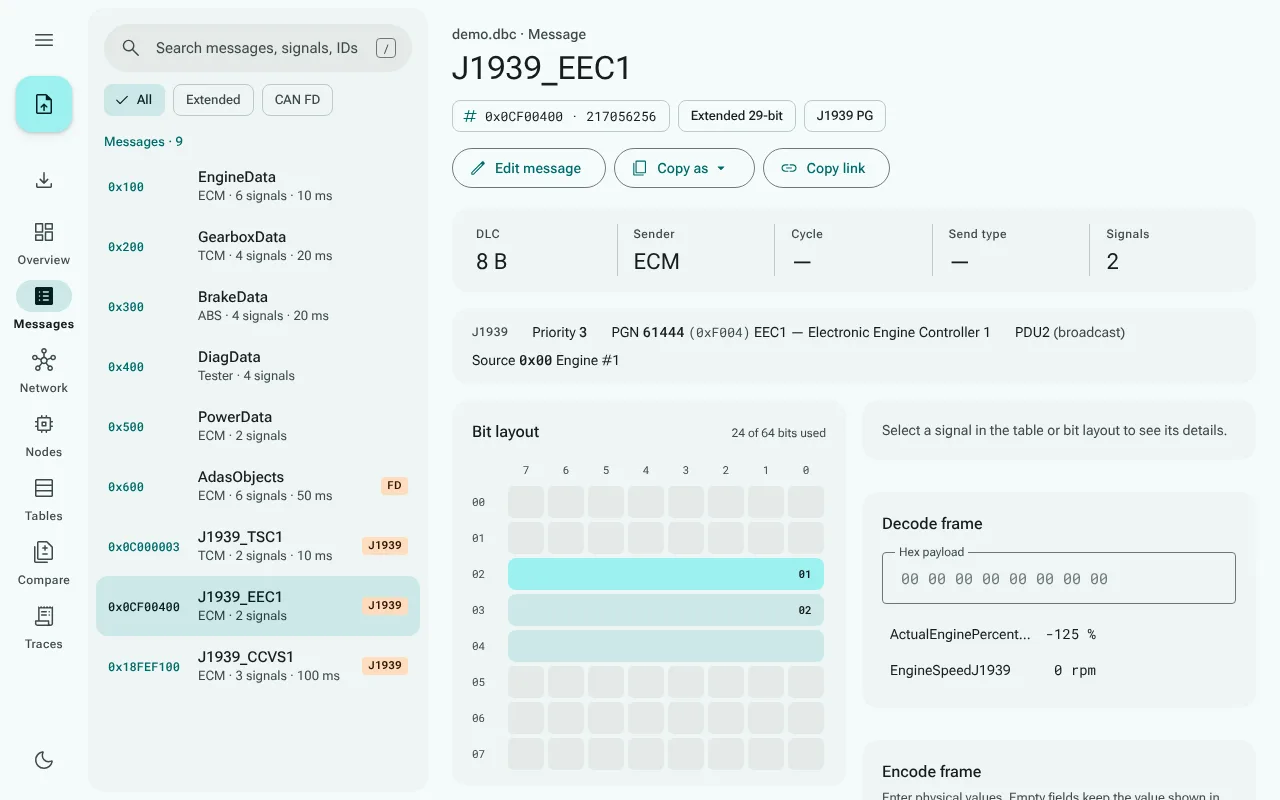
The header: the name, the ID in hex and decimal, and chips for extended, CAN FD and J1939 frames. Copy link copies a link to this message, Copy as copies the message as a C struct or as decode pseudo-code (Exporting), and Edit message opens its editor (Editing).
Facts: DLC in bytes, sender (and further transmitters from
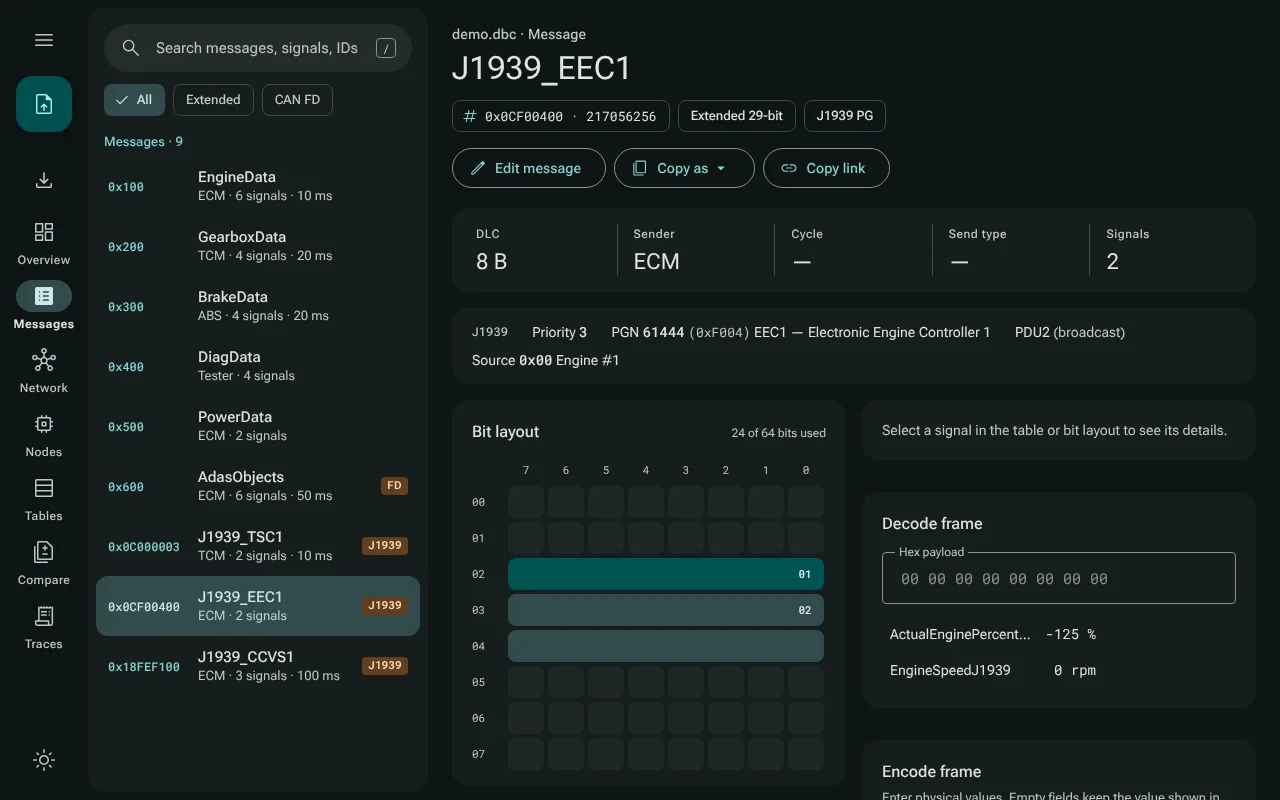
BO_TX_BU_), cycle time, send type (GenMsgSendType) and the number of signals.J1939: for a J1939 frame, the identifier broken down into priority, PGN (with the SAE name of well-known parameter groups), PDU format with destination, source address (with well-known address names) and data page.
Warnings, in red, for a signal that runs past the end of the data, and for two signals that use the same bits. Multiplexed signals that are alternatives of each other may share bits; they are not flagged.
Notes, in amber, on the frame size: a size above 8 bytes that CAN FD cannot carry as such (it would be padded to the next valid size, 12, 16, 20, 24, 32, 48 or 64 bytes), more than 64 bytes, or more than 8 bytes on a frame that
VFrameFormatdeclares classic CAN. J1939 parameter groups are exempt: they may be longer.The message's comment, if it has one.
The bit layout
The bit layout draws the frame one byte per row, bit 7 on the left. Every signal is a tonal block, numbered on its start bit. Motorola (big-endian) signals run across bytes in the sawtooth order the DBC format uses. Bits two signals share are marked as a conflict, unless the signals are multiplexed alternatives. In a large CAN FD frame, the unused bytes at the end collapse into one row.
Selecting a signal, in the table or in the bit layout, highlights it in both and opens its details.
The signal table
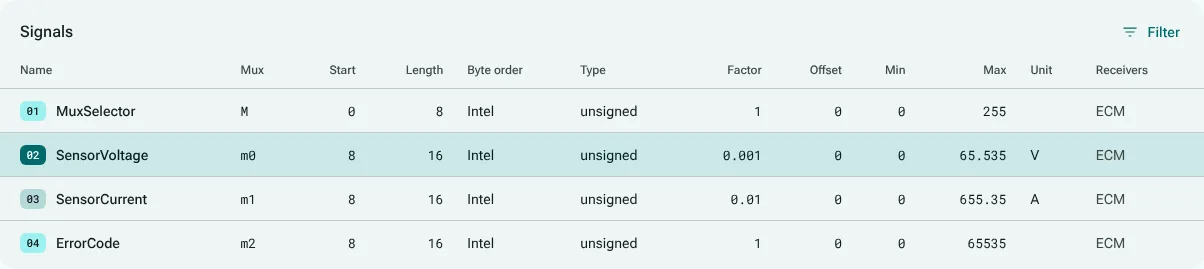
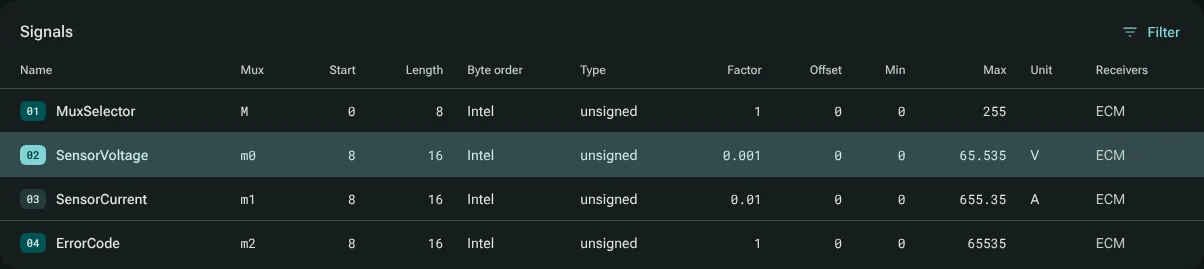
One row per signal: name, multiplexing, start bit and length as written in the DBC, byte order (Intel or Motorola), value type (unsigned, signed, or float and double from SIG_VALTYPE_), factor, offset, minimum, maximum, unit and receivers.
- Sorting: every column header is a button. The first click sorts ascending, the next descending, the third goes back to the order of the file.
- Filtering: Filter opens a row of filter fields under the headers. A text column keeps the signals that contain the text, and
=textmatches the whole cell. A number column takes a value, a comparison such as>8or<=16, or a range such as8..15. A filter that cannot be read is marked in red and ignored; Escape clears a field, and closing the filter row drops every filter. The count above the table says how many signals are shown. - The sort and the filters stay when you open another message.
The multiplexing column shows M for the multiplexor and m0, m1, … for the signals that are present only when the multiplexor has that value. Extended multiplexing (SG_MUL_VAL_, a signal switched by a value range of another multiplexed signal) is shown as well.
The signal card
For the selected signal: how the raw value becomes a physical one (raw × factor + offset), the range and unit, the bits (start, length, byte order), receivers, value type, multiplexing, its comment, its value descriptions (VAL_) and its attributes. When a frame is being decoded, the value description that matches the decoded value is marked. Edit signal opens the signal's editor (Editing).