Language and theme
Language
CanViewer speaks English and German. It starts in German when your browser's language is German, and in English otherwise. To switch, open the menu at the top of the navigation rail (the three lines) and pick English or Deutsch. The choice is remembered in your browser.
Technical terms that German automotive usage keeps as they are, such as Intel and Motorola, DLC, PGN, Mux and CAN FD, stay untranslated. So does what comes from a file or a reader rather than from CanViewer: the names, comments and values in the file, the line a parse problem quotes, and what canmatrix printed or logged about it. The reason CanViewer gives for a parse problem is in your language, and so are its own notes about an import.
Theme
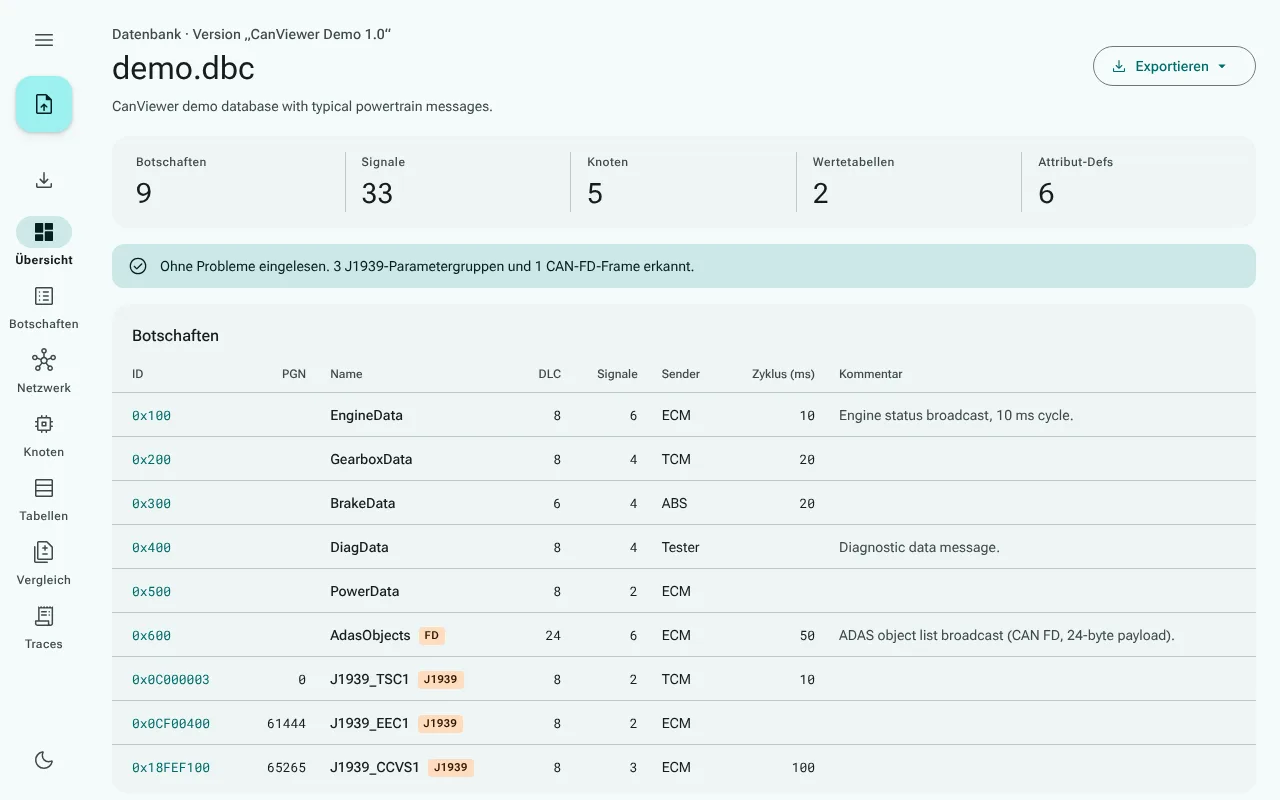
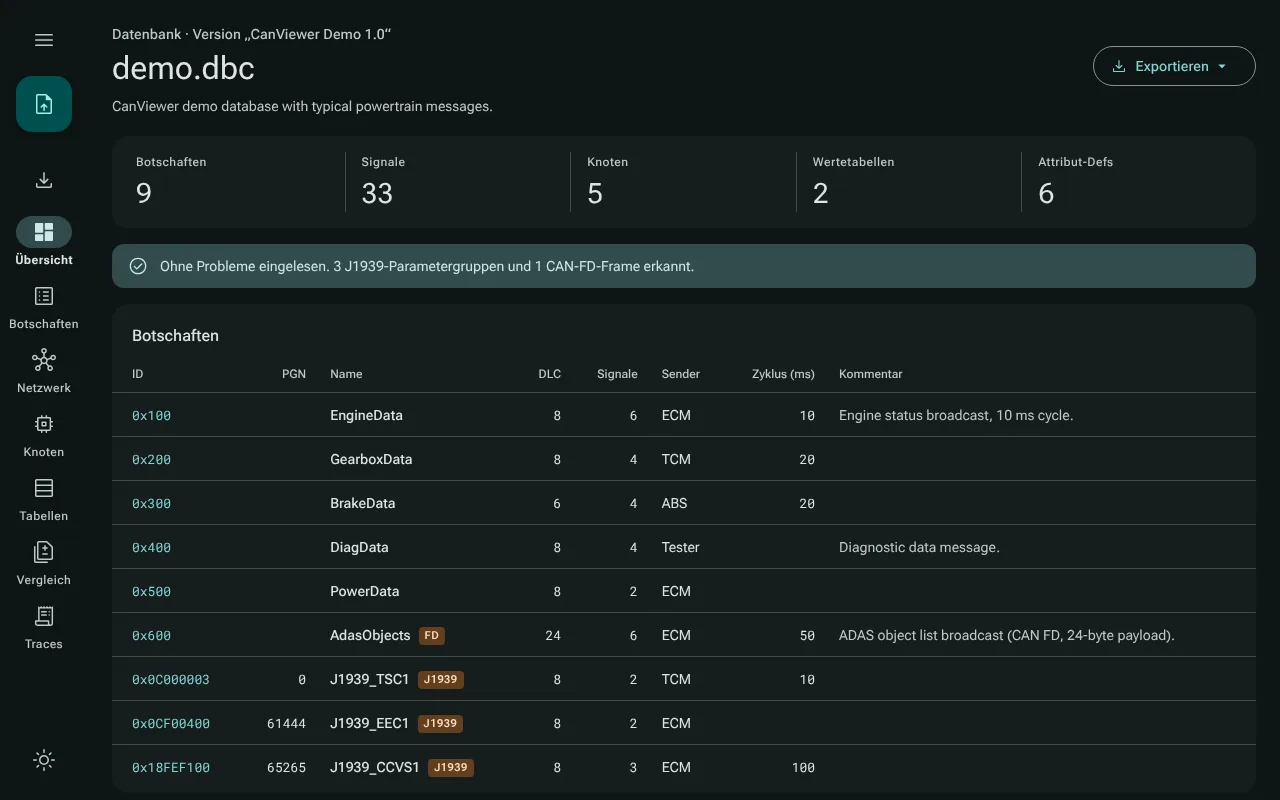
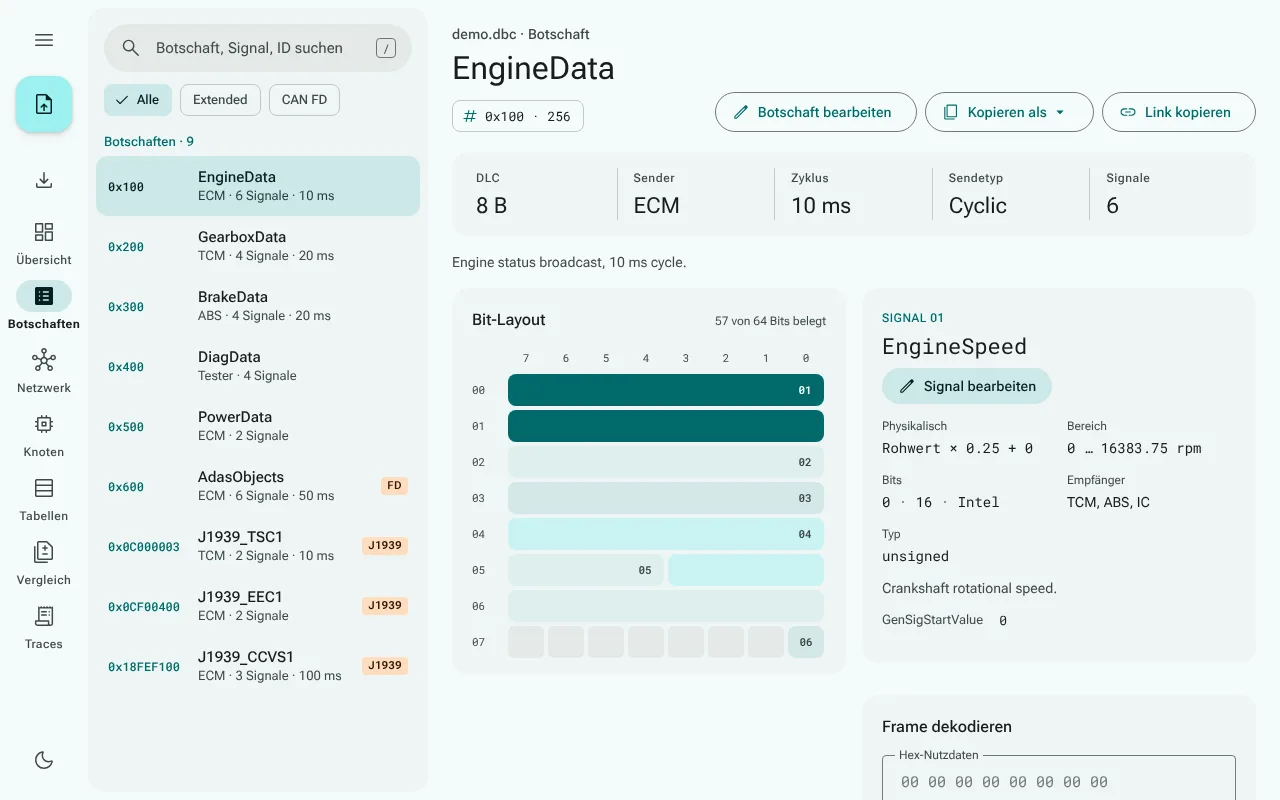
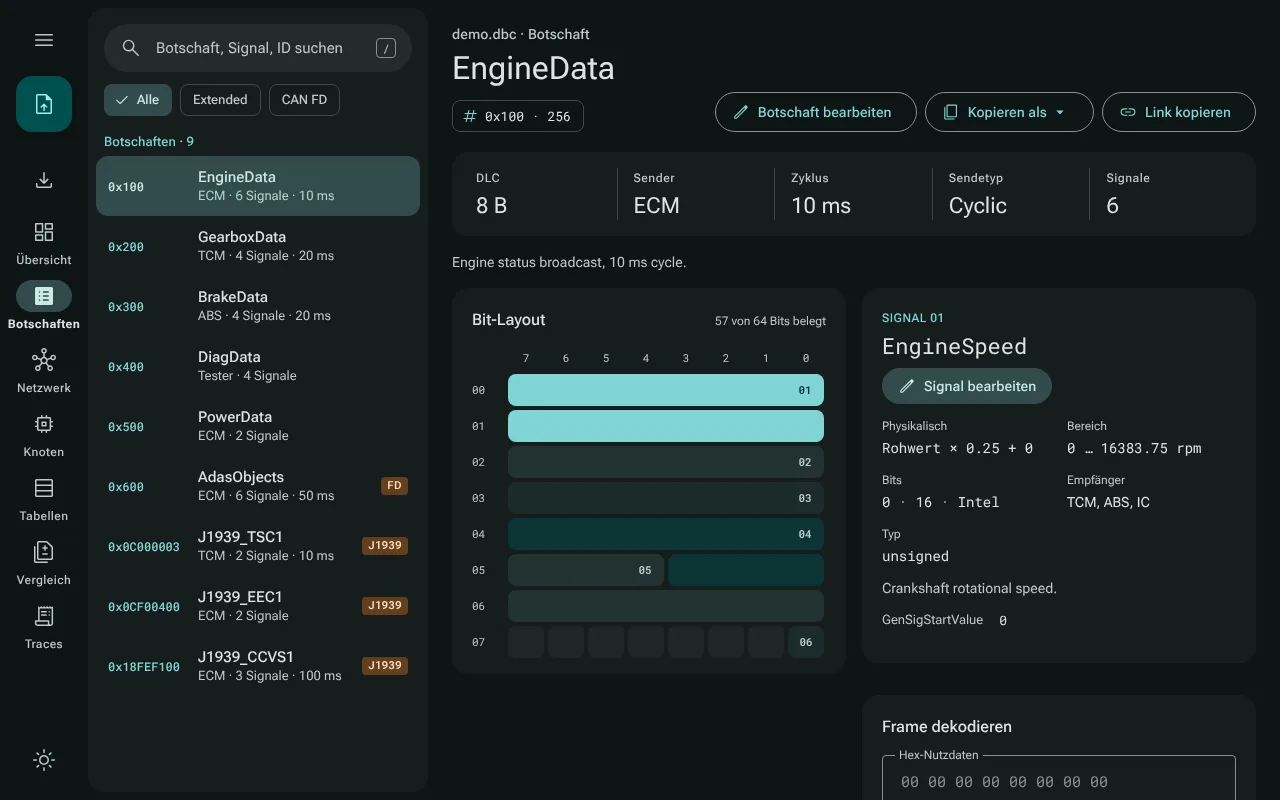
CanViewer follows your system's light or dark setting, and changes with it, until you choose a theme yourself with the button at the bottom of the navigation rail (a moon in light mode, a sun in dark mode). From then on your choice is remembered in your browser.
Every screenshot in this guide follows this site's own theme switch, at the top of the page: switch it to see the app in the other theme.
Closing the file
Close file, in the same menu while a file is open, returns to the welcome screen and forgets the copy of the file that CanViewer keeps for the next start (see Privacy). With unsaved edits, it asks first.
About CanViewer
About CanViewer, the last item of the menu, shows the version, the license (the GNU GPL, version 2 or any later version; the web app and the desktop app are distributed under version 3, because they include parts under the Apache License 2.0), the no-warranty statement and the address of the source code. In the browser the address is a link that opens in a new tab. The desktop app opens no browser and makes no network requests, so there the address is shown as text with a Copy address button, to paste into your browser. The dialog also lists the copyright notice with its additional permission for the Windows build, the texts of the GPL versions 2 and 3, and the third-party notices: each opens in the dialog, read from the app's own files, in the desktop app as in the browser, and offline too (the web app keeps them with its other files after the first visit).
Fonts and icons
The fonts (Roboto Flex and Roboto Mono) and the icons are part of the app. Nothing is loaded from a font or icon service, which is one reason the app makes no request outside its own origin.