
Replaying traces
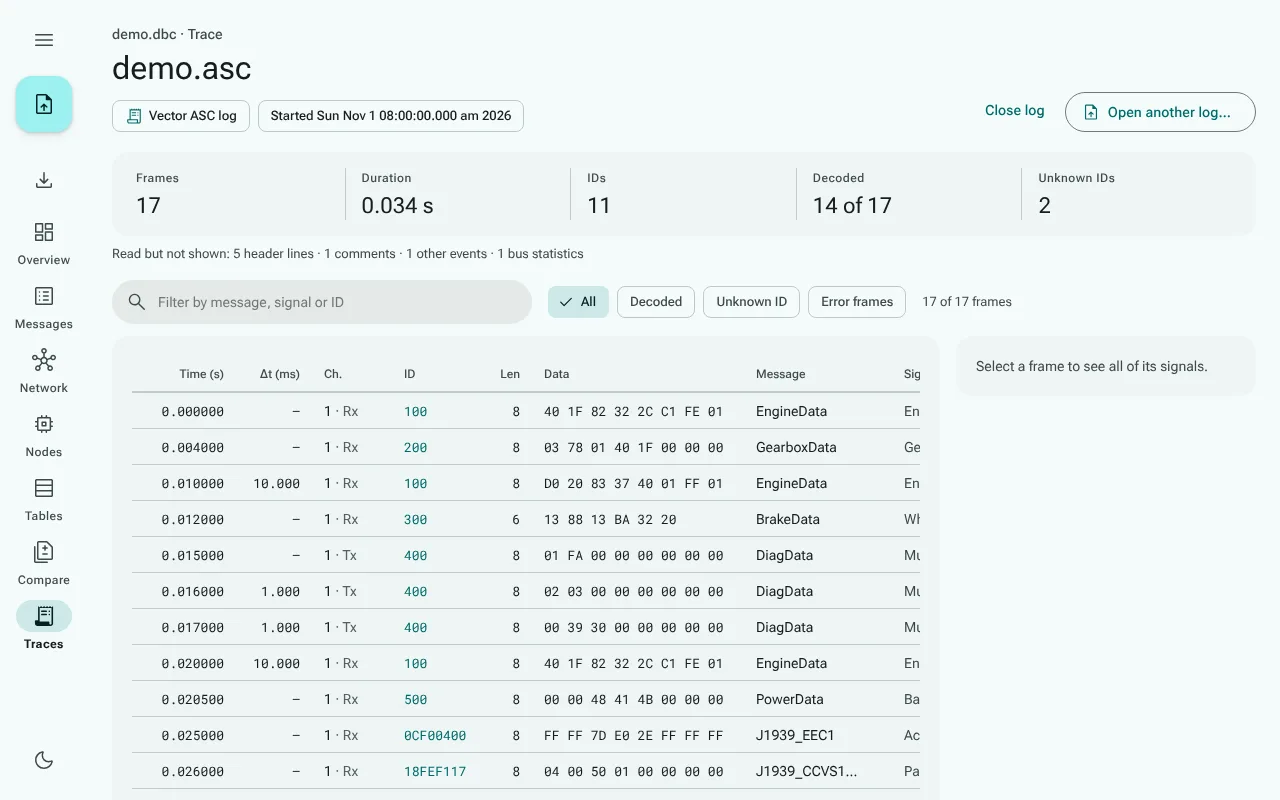
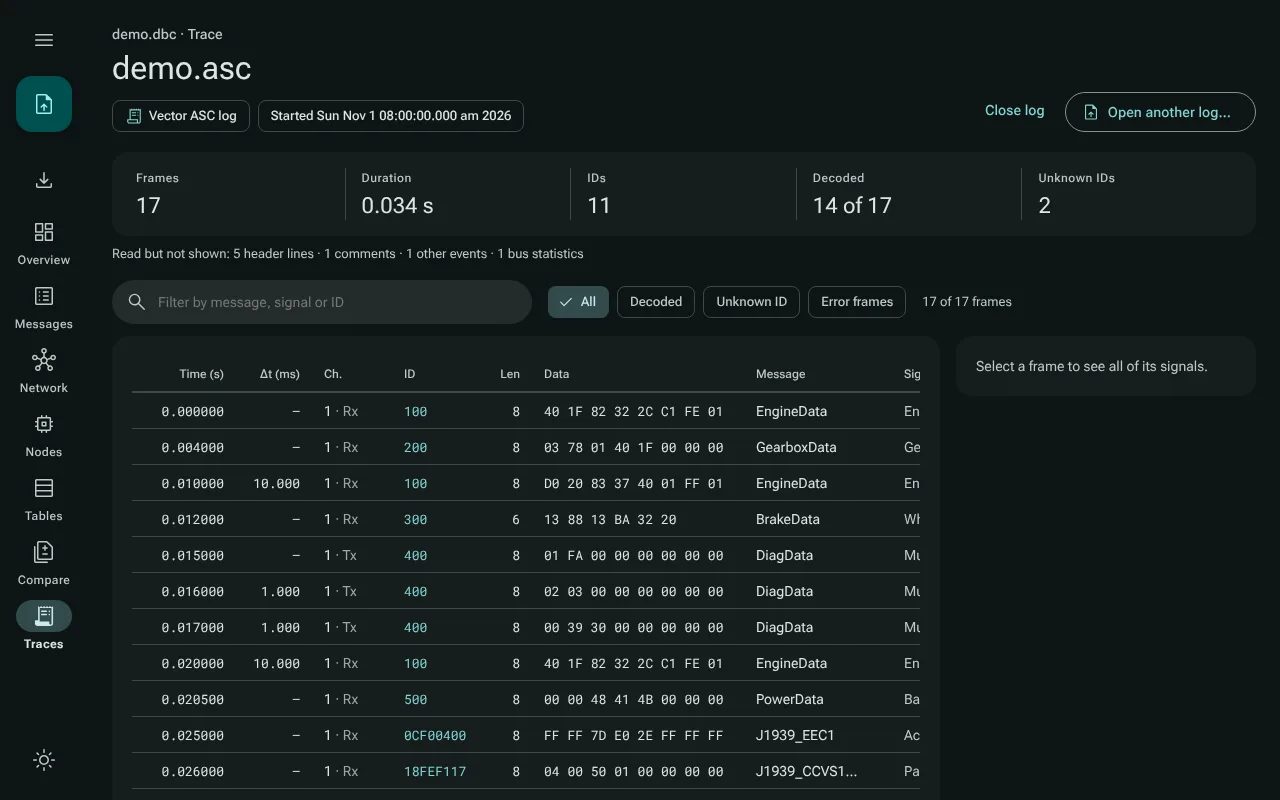
Traces in the navigation rail replays a log recorded from a CAN bus through the open database: every frame of the log, decoded as the decoder decodes one, in a table over time. The log is read and decoded in your browser tab; it is never uploaded, and it is not stored.
Opening a log
Open a database first, then a log in one of two formats:
- a candump log (
.log), as Linux'scandump -lwrites it; - a Vector ASC log (
.asc).
Use Open log… on the Traces page, or open or drop the log like any other file: a .log or .asc file goes to the Traces view and leaves the database as it is. A log opened without a database is kept until you open one. The repository has two logs for its example database, examples/demo-candump.log and examples/demo.asc.
What the page shows
- Facts about the log: its format, the number of frames, the duration, the number of IDs, how many frames were decoded, and how many have IDs the database does not know. When the log says when it was recorded, that time; when its time stamps are gaps to the previous line, a note that CanViewer adds them up.
- The frames: time in seconds, the gap to the previous frame in milliseconds, the channel, the ID, the length, the data bytes in hex, and the message the database has for the ID. Remote frames and error frames are marked as such.
- One frame's signals: select a frame to see all of its signals decoded, with Open message to go to the message in the database. Notes explain a frame matched by its J1939 parameter group rather than its full ID, a frame shorter or longer than the database's message (signals beyond the frame are not decoded), an ID the database does not know, and remote and error frames, which carry no signals.
- Lines not read: a line CanViewer cannot read as a frame is listed with its line number and the reason (not a line of this format, an invalid identifier or data bytes, fewer data bytes than the length says, an unreadable time stamp), and the rest of the log is shown. Lines that are read but are not frames, such as header lines, comments, status lines and bus statistics, are counted.
Finding frames
The search field filters by message name, signal name or ID, and the chips narrow the table to Decoded frames, frames with an Unknown ID, or Error frames. The line above the table says how many frames match. After a change of the search or a chip, the table starts at the first matching frame, or keeps the selected frame in the middle when it still matches.
The table renders only the rows in view, so long logs scroll smoothly. Above 400,000 matching frames it shows the first 400,000; narrow the filter to see the rest.
Close log empties the page again; Open another log… replaces the log.